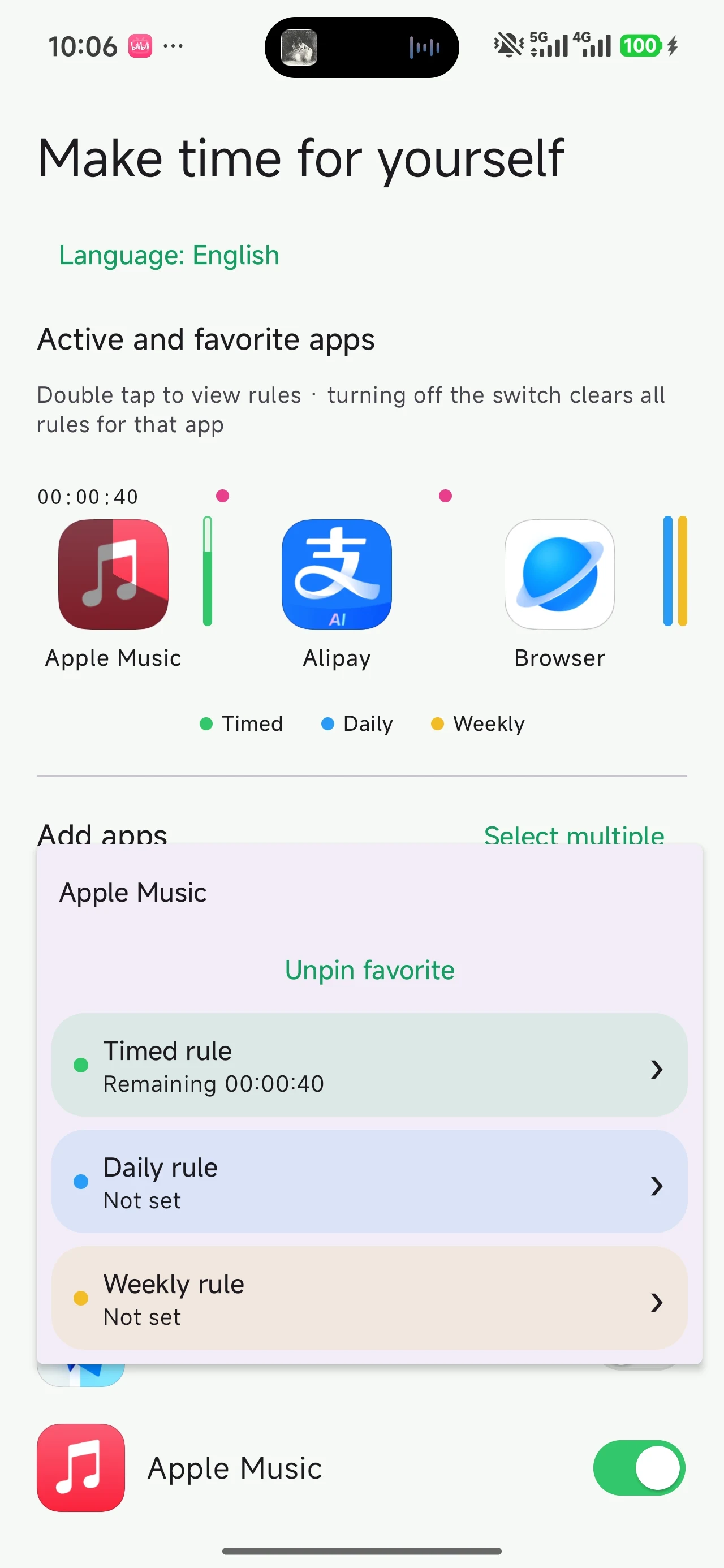
Timed limit
Take a break from an app, starting now.
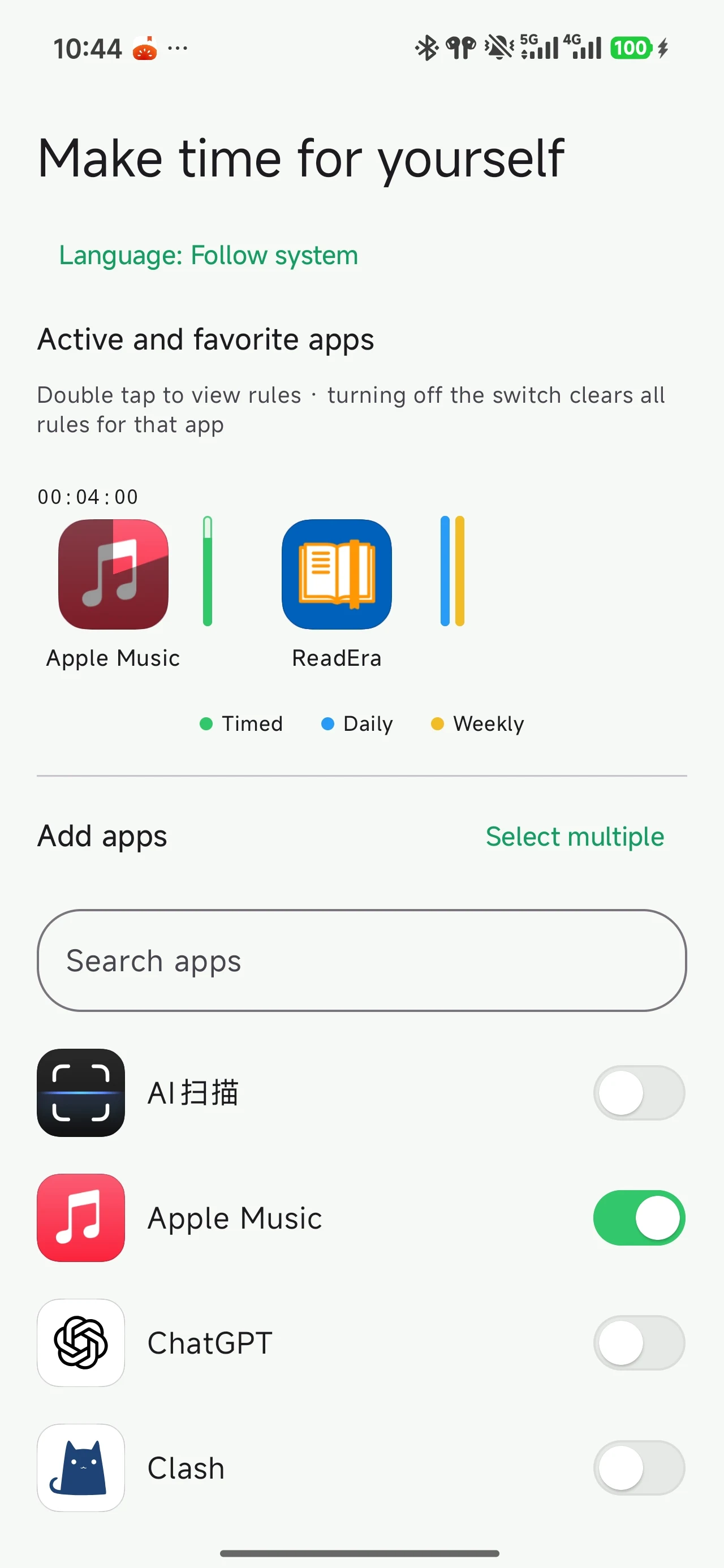
See your limits alongside each app. The bars beside its icon show what remains, helping you open it with intention.
Timed limit
Daily allowance
Weekly allowance
Choose different rules for different apps. When an active limit is reached, a reminder helps you pause and return to your home screen.
Take a break from an app, starting now.
Choose how much time to spend each day.
Make room for what you enjoy across the week.
Set individual rules, or select several apps and set them together.
A quiet reminder to pause and bring your attention back.
No reading of page text. Rules and usage records are kept on your device.
Enable the settings your limits need to work.
Start with one app and a rule that works for you.
Follow the reminder back home, and make time for yourself.
Yes. You can download and use the app for free, with no account required.
Android devices running Android 12 or later.
Enable the accessibility service and allow the app to run in the background. Daily and weekly allowances also need usage access. The guide walks you through each step.
The app identifies the foreground app by its package name, without reading page text. Rules and usage records stay on your device. The app has no internet permission.
No. Your rules and usage records are stored locally.
Select “Get it for Android” to download the APK. Visit the download page for installation instructions and follow the illustrated guide to get started.
One app. One rule. A little more intention.